Screenshots
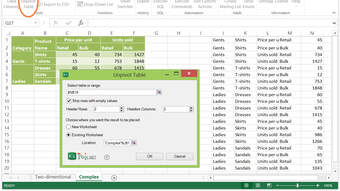
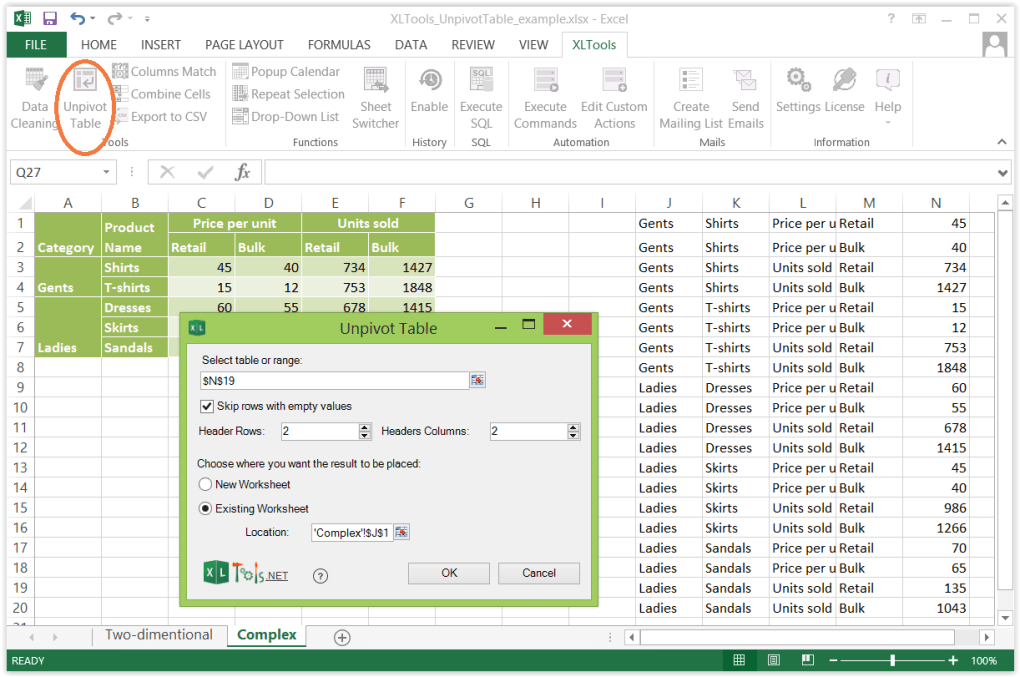


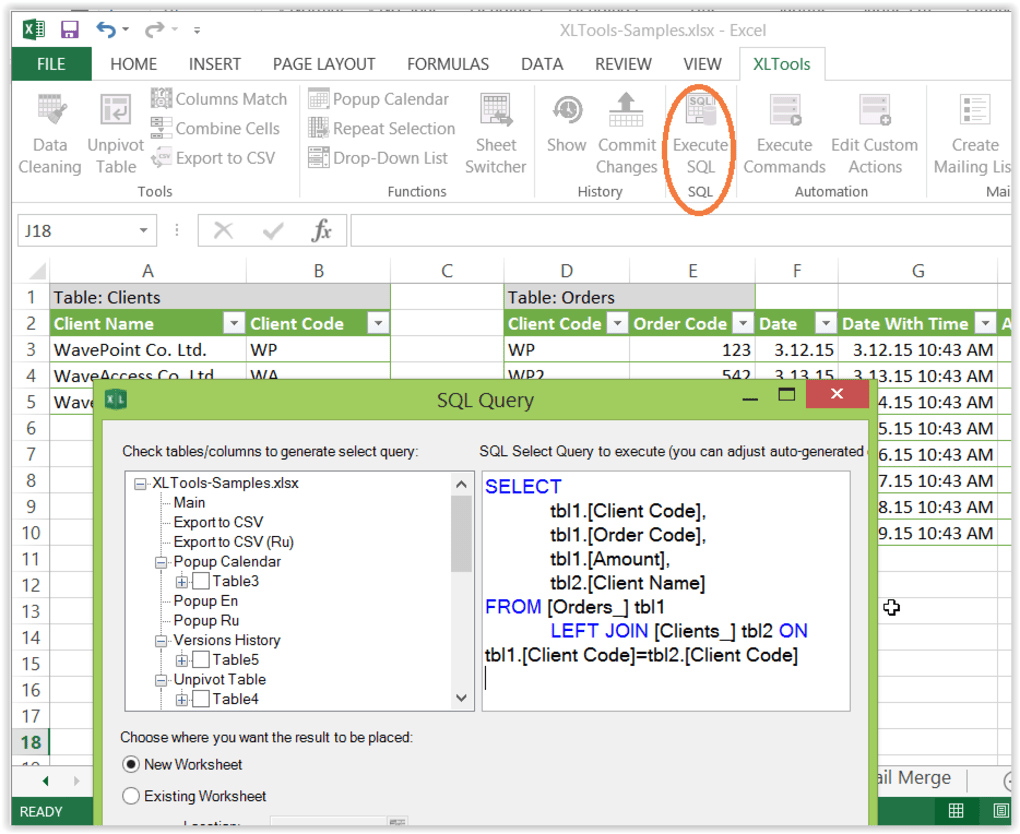

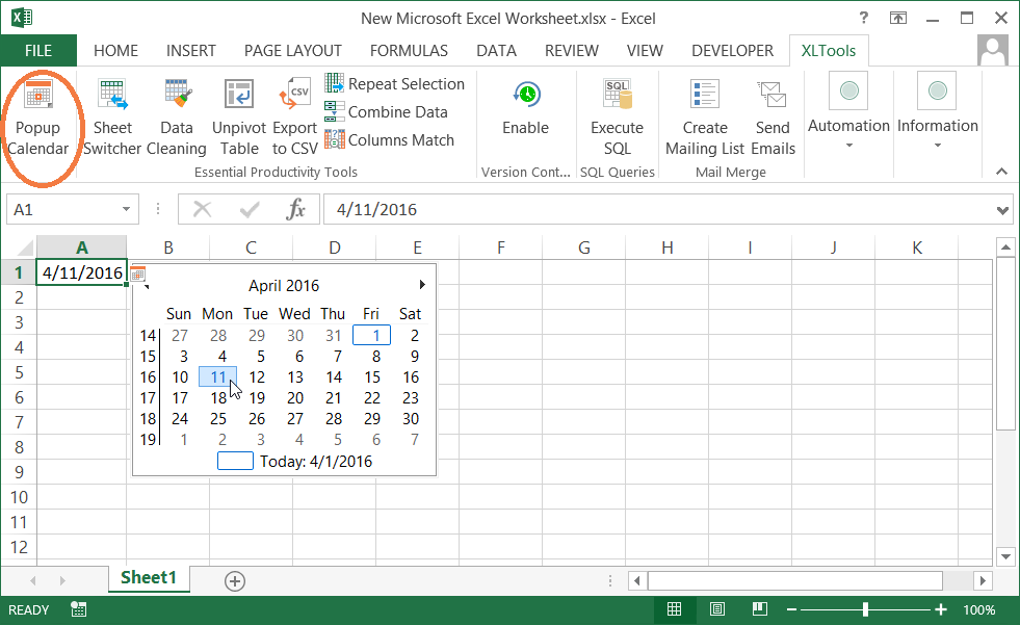
App details
- Version
- 4.1.
- Size
- 925.47 KB
- Updated
- June 15, 2016
- Requires
- Windows 10
- Language
- English | Russian
- License
- Trial version
- Developer
- XLTools
- Category
- Windows OS
Guides & Tutorials
How to install XLTools Add in
- Click the Download button above.
- Once redirected, accept the terms and click Install.
- Wait for the XLTools Add in download to finish on your device.
How to use XLTools Add in
This software is primarily used for its core features described above. Open the app after installation to explore its capabilities.
User Reviews
No reviews yet. Be the first to share your experience.
You may also like
more
Llama 2
Free-to-use large language model As the new addition to Meta’s arsenal of langua...

NotebookLM
Revolutionizing the note-taking and idea-generation process NotebookLM is an exp...

Github co pilot
AI-inspired software development and coding platform GitHub Copilot is a browser...

Google Gemma
Google’s lightweight AI models Introducing Google Gemma , a family of cutting-ed...

AI Image Enlarger
A free app for Windows, by ai-image-larger. AI Image Enlarger is a free software...

DALL E
AI-driven text-to-image transformation engine DALL·E is a free graphic and desig...